![HIRES_DP220702 emc academy 2022 logo WO1.jpg]](https://support.datapharm.com/hs-fs/hubfs/HIRES_DP220702%20emc%20academy%202022%20logo%20WO1.jpg?height=50&name=HIRES_DP220702%20emc%20academy%202022%20logo%20WO1.jpg)
If you need to reset your password use the “forgotten password” link on the app login screen:
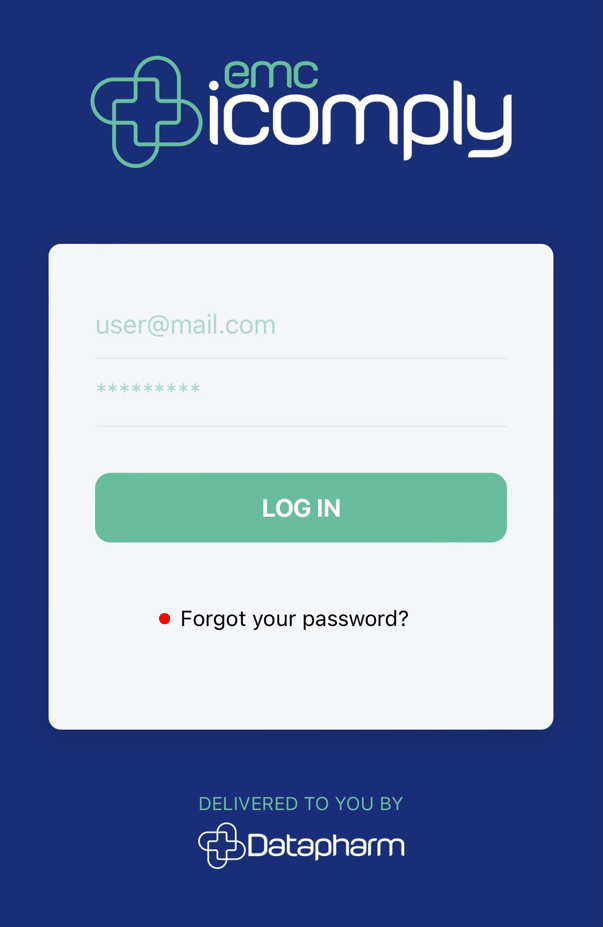
This will open a web page where you can request a password reset email.
Once this has been reset you can log into the icomply app using your username and newly created password.
Please Note 📝
The password reset email will contain a link that is valid for 24 hours. Clicking the link will open a web page through which you can set your new password. This must be at least 8 characters long and contact at least 1 letter and 1 number.
