-4.png?width=500&height=115&name=6789782.fs1.hubspotusercontent-na1.nethubfs6789782Product%20logosDatapharm_RGB_Logo1%20(3)-4.png)
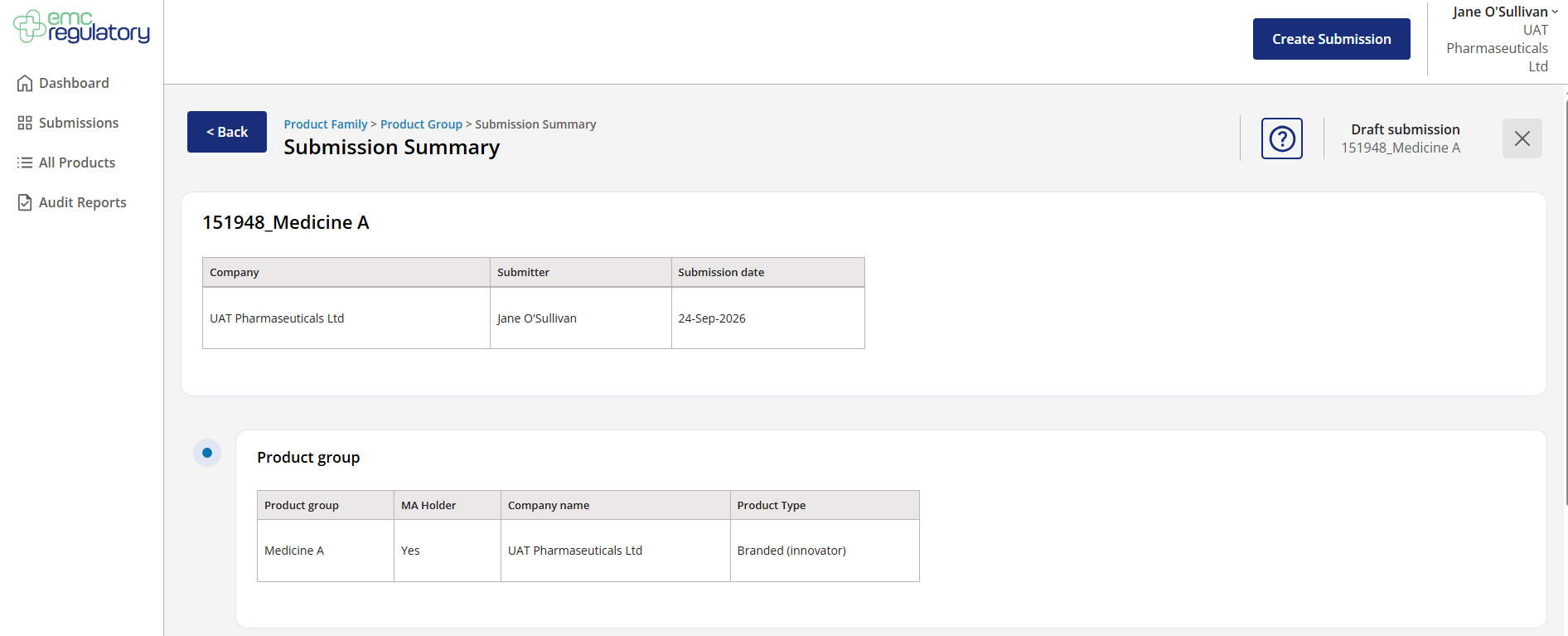
Once you are ready to submit, you will be taken to the Submission Summary page.
Review the submission details to ensure all information is correct:
-
Verify the Product Group details.
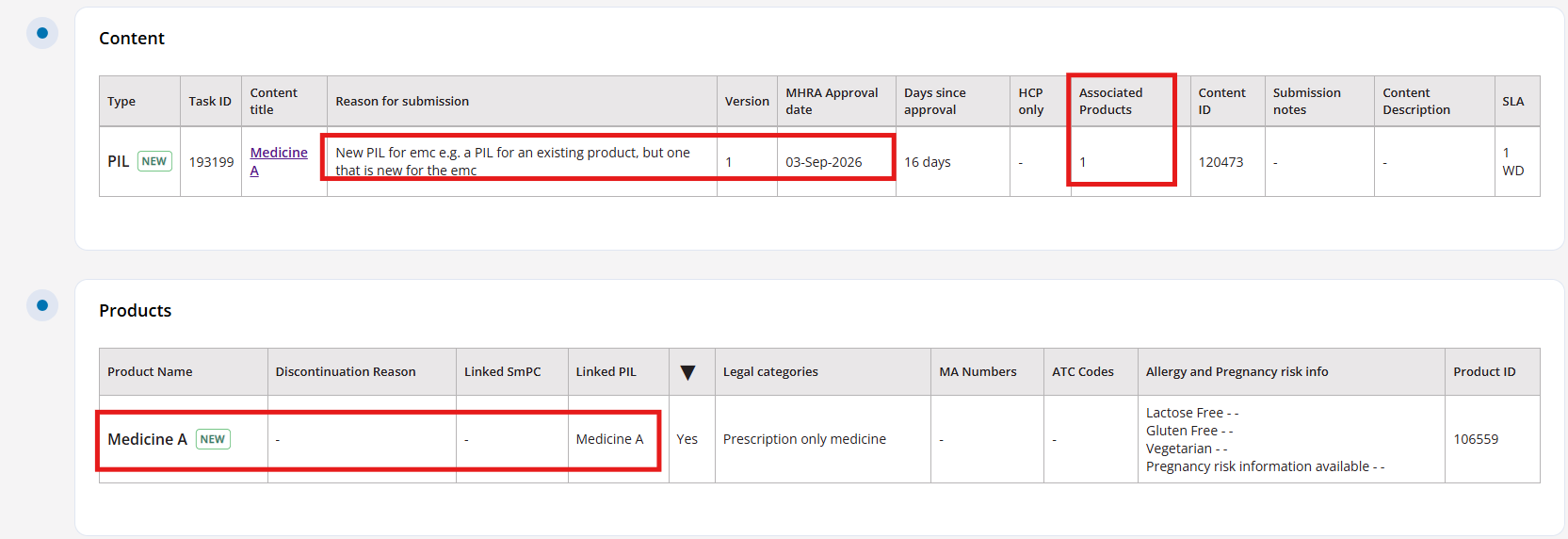
- Check the document information, including the reason for submission and associated products.
- Confirm the product details are accurate.
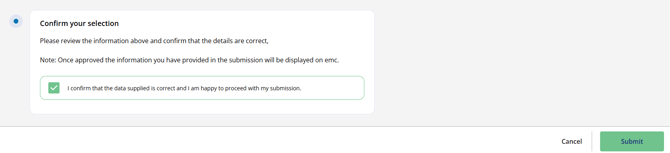
After submission, the product will appear as ‘In Progress’ on your Submissions page.
The Quality Check team will review your submission and send it back to you with one of the following statuses:
- Ready for Approval – The product is ready for your final review and publishing.
- Needs Attention – Additional information or updates are required before it can proceed.